
CopyLook · Copy website designs
See a section you like?
Make it your starting point.
Pick a section from a website. Copy its design as code for your AI coding assistant.
Three successful free copies per installation. Chrome Web Store release pending.
From inspiration to a useful starting point
Your next build starts with a small piece.
Work on one component at a time. Check its appearance, keep the linked assets and adapt the result to your own project.
- 01
Activate CopyLook
Open an ordinary website and activate CopyLook from Chrome’s toolbar.
- 02
Select a section
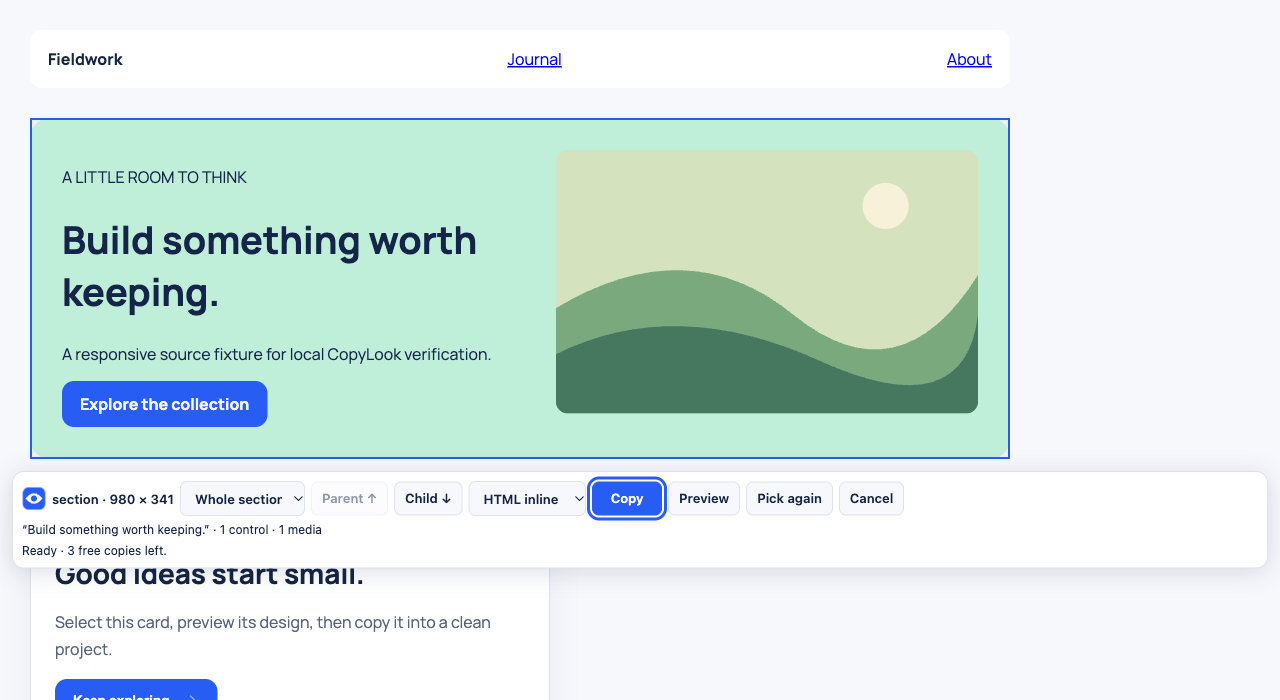
Click text or background to select its whole section. Choose Single element for a smaller detail; Parent and Child refine it.
- 03
Copy its code
Once prepared, use Copy in the selection controls. Paste into your project or AI coding assistant. Preview is optional.
Choose what your project understands
Plain HTML. React. Tailwind.
Start with HTML and styling, or choose JSX for React and markup for a Tailwind project. The primary copy includes supporting CSS where the format needs it.
A visual starting point
CopyLook captures the selected appearance. Your project supplies its own application behavior, content and dependencies.
Assets stay where they are
Images and fonts keep their original absolute URLs by default. Optional embedded visual assets can add canvas stills and fonts you have permission to reuse. Check that you have the right to reuse the content and that those links work in your destination.
Your capture stays local
Capture processing happens in your browser. CopyLook does not send selected components to an AI service.
Coming soon for Chrome
Copy directly. Inspect when needed.
Previews and failed attempts use none of your three free copies. Recopying the same capture in a different format uses no extra copy.
Get startedRead about the allowance